ATTENTION! How To Add Team Members
Thank you for choosing Mechanic Mindset for your team training.
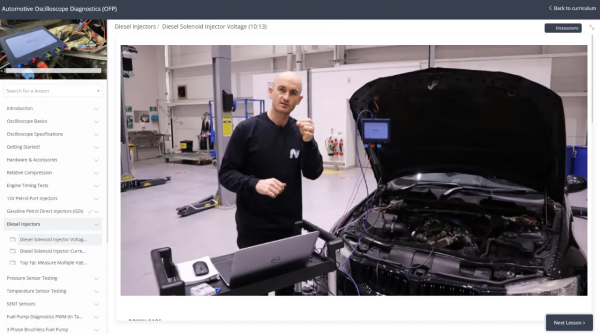
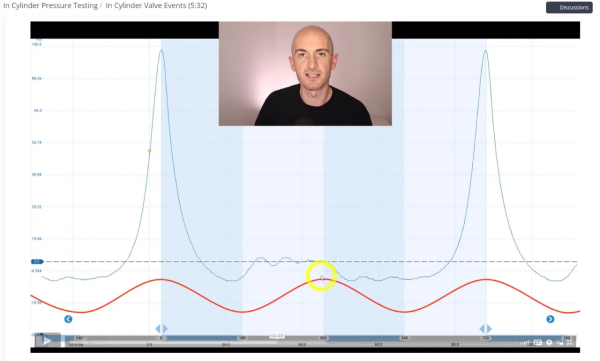
Watch this short video that shows you how to add members to you account.
FREE MULTIMETERS for EVERYONE!
If you signed up to the Annual Plan, send us your shipping details to claim free multimeters for the whole team!
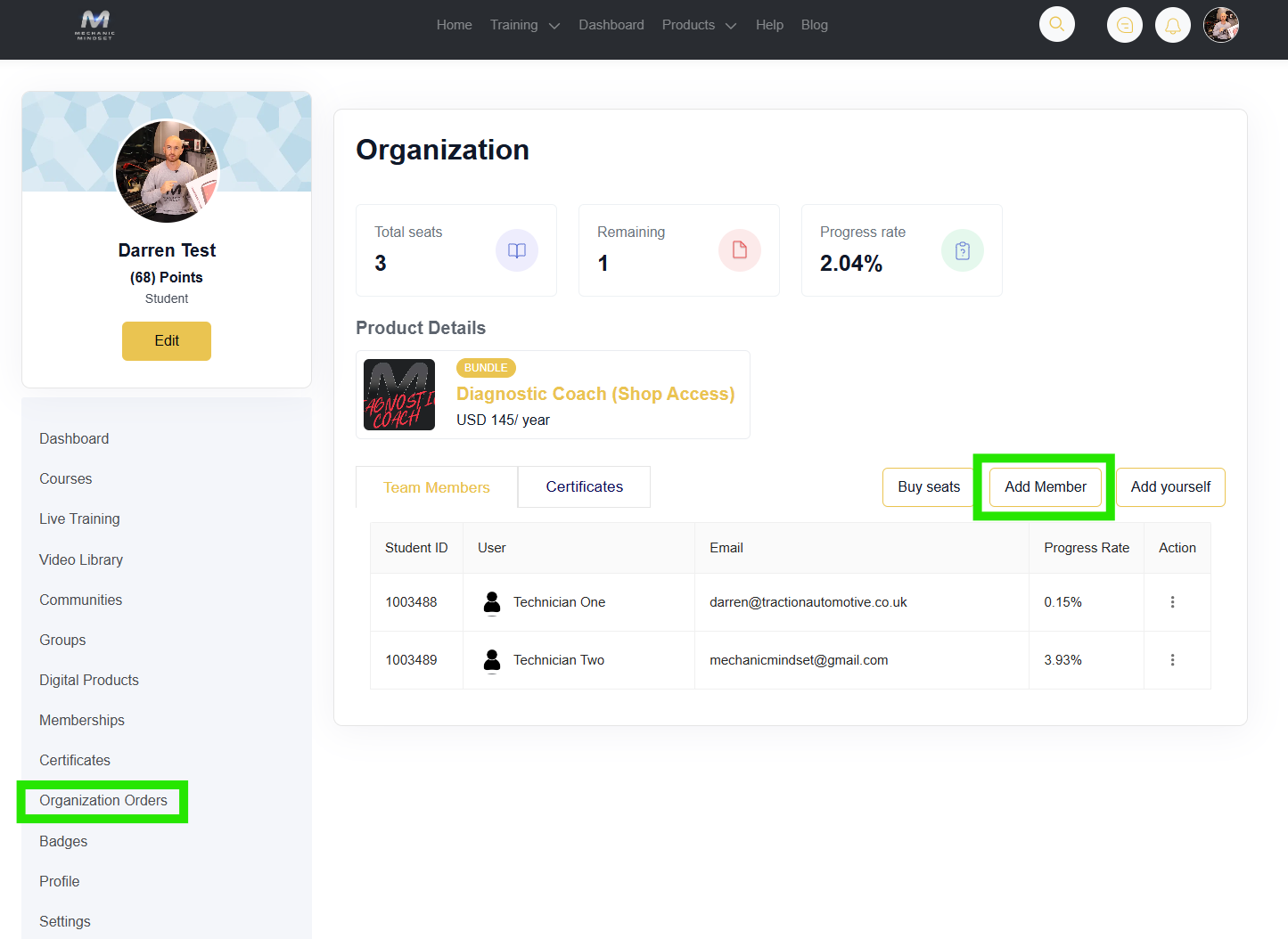
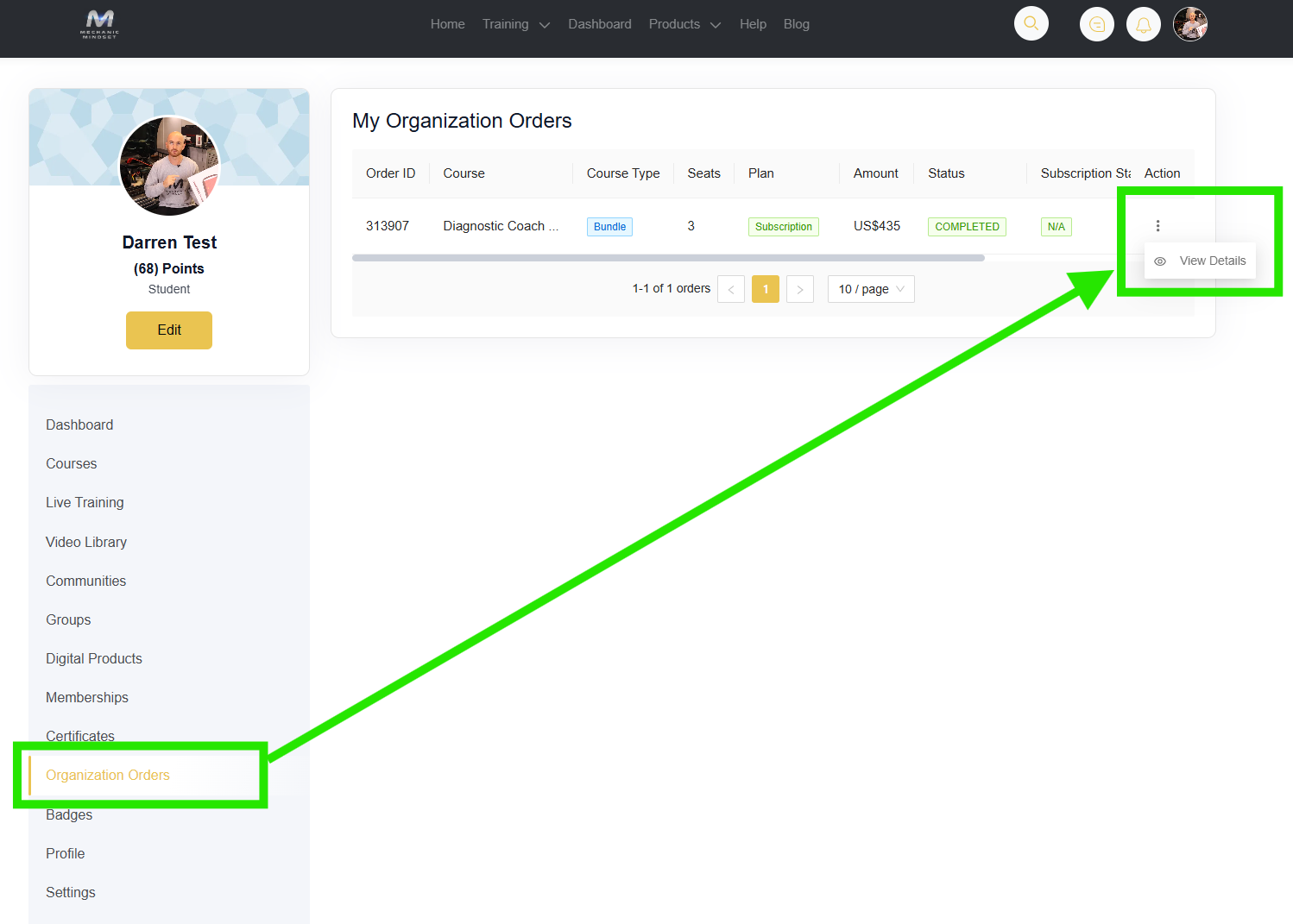
Navigate to your Dashboard and click 'My Organization Order'
Click the '3 Dots' and View Details
Wait a few seconds and you will be directed to the team page
ADD MEMBER - Enter member name, email, and password to add them to the program.
ADD YOURSELF - Click this to add yourself to the training program.
BUY MORE SEATS - New team member? Use this to add new seats to your account.
Need to make a change? Contact us directly and we can swap seats for team members that leave or move.